 ID Wallet for iPhone
All your cards in one wallet
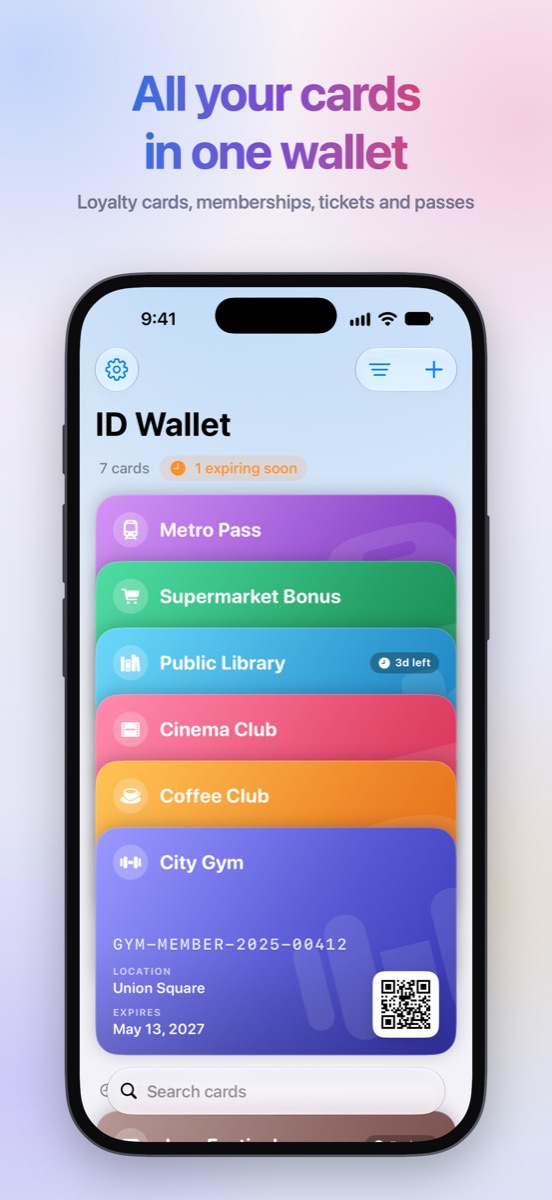
Loyalty cards, memberships, tickets and passes. Show them in a tap or add them to Apple Wallet.
For iPhone with iOS 17.6 or later · Adding a card to Apple Wallet is an in-app purchase
-
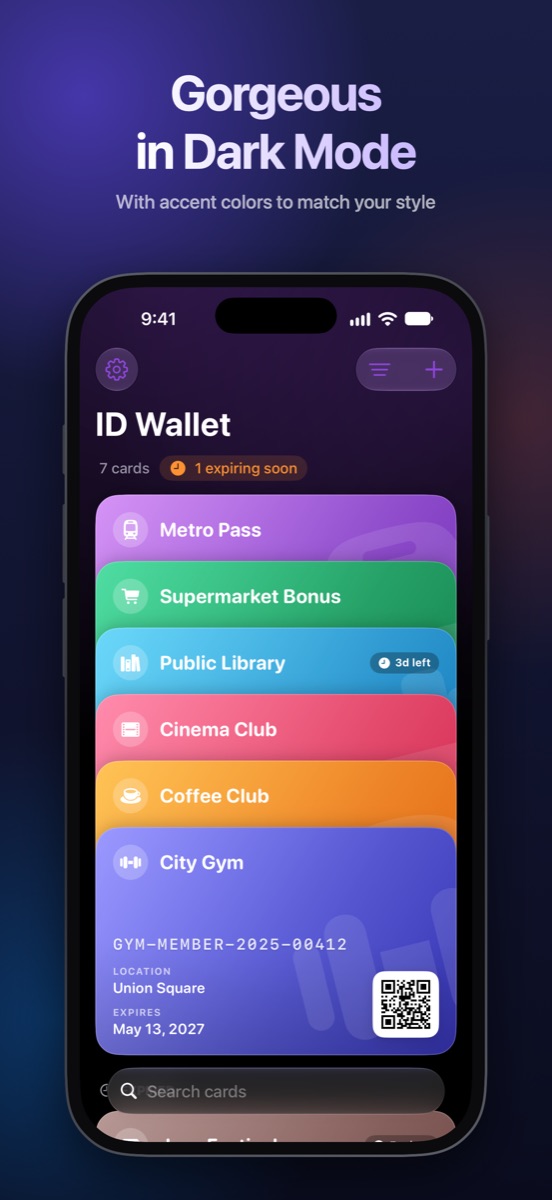
Metro Pass
-
Supermarket Bonus
-
Public Library3d left
-
Cinema Club
-
Coffee Club
-
City GymGYM-MEMBER-2025-00412LocationUnion SquareExpiresMay 13, 2027
A closer look
Made for the moment you pay
Find the card, show the code, done. No digging through apps or emails at the counter.
Features
Everything a card needs
Simple to set up, quick to use, and built entirely around your iPhone.
-
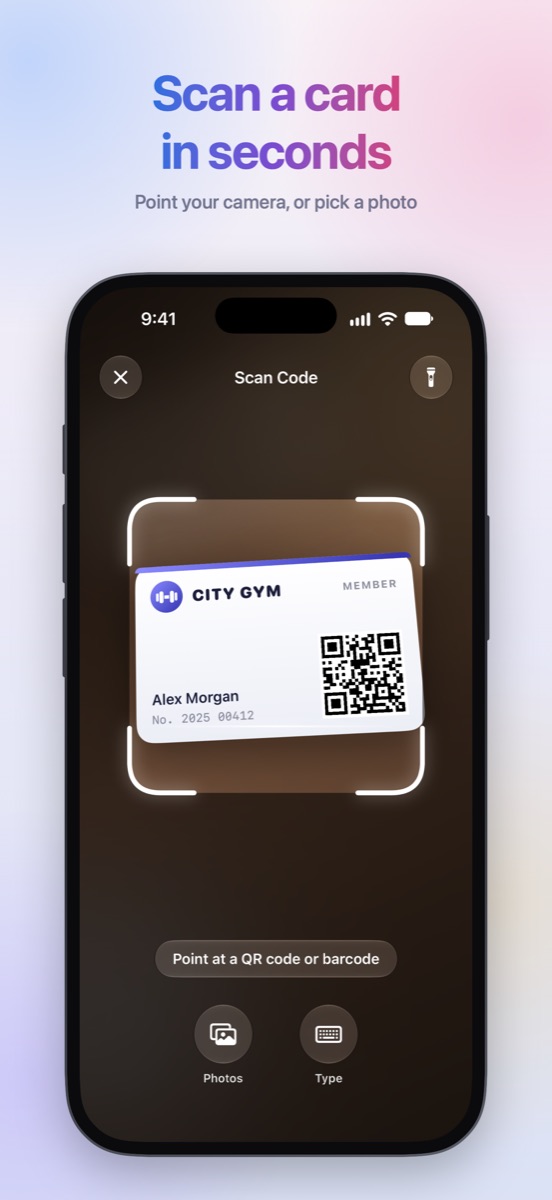
Scan in seconds
Point the camera at a code, pick a screenshot from Photos, or type the number. QR codes and common barcodes — EAN, UPC, Code 128, Code 39, PDF417, Aztec and more — are recognized.
-
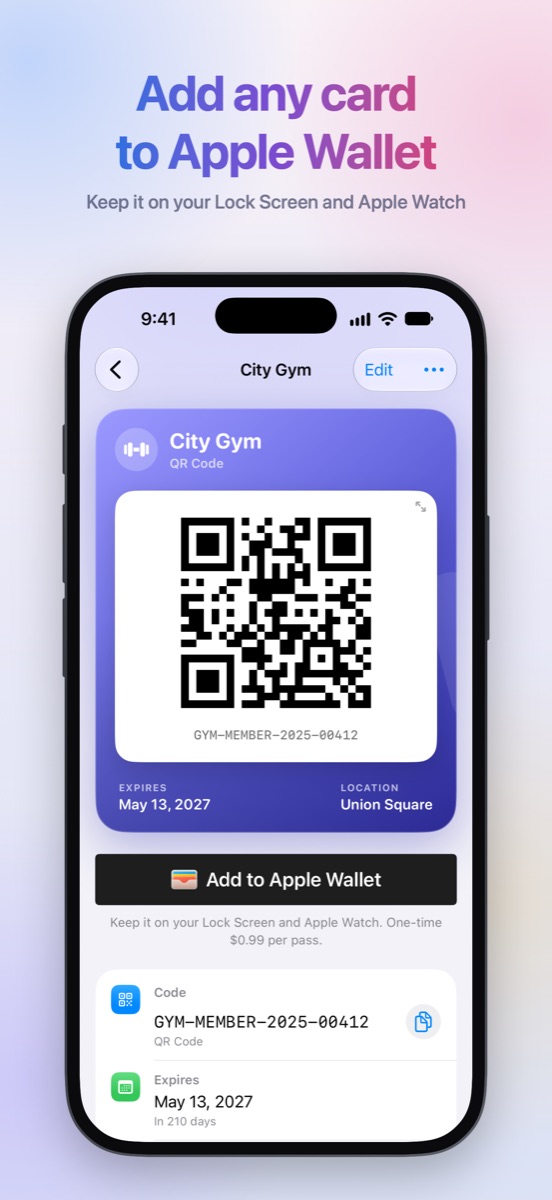
Add to Apple Wallet
Turn any card into a Wallet pass. It appears on your Lock Screen near the place you set and goes with you on Apple Watch.
-
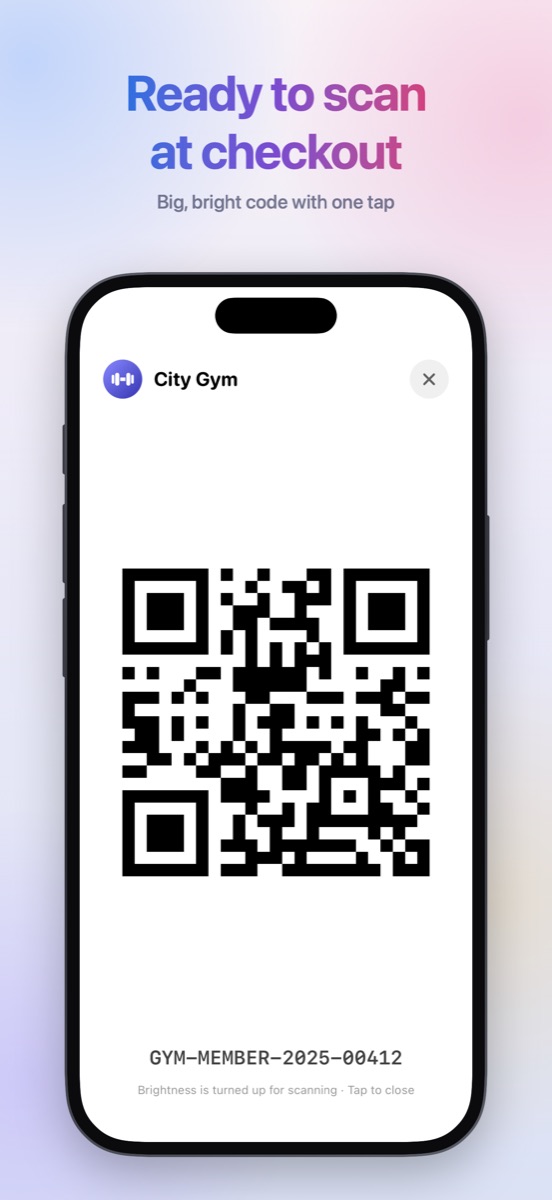
Ready at checkout
Tap a code to show it full screen at maximum brightness. The screen stays awake, and barcodes can be rotated for a bigger scan target.
-
Make it yours
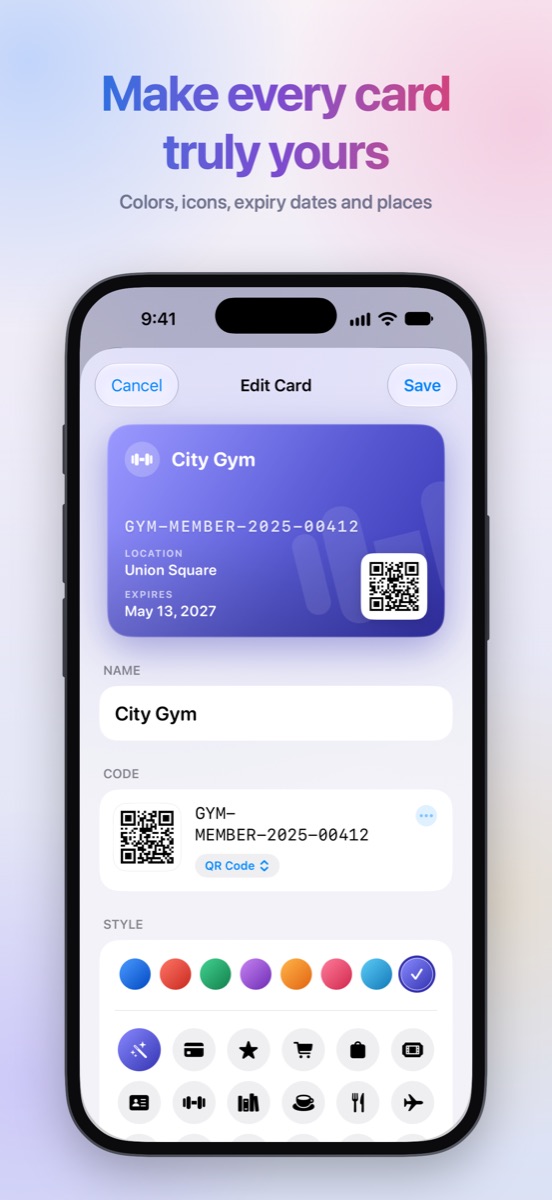
Eight gradient colors and 23 icons — or let ID Wallet pick an icon from the card's name. Add an expiry date and a place.
-
Widgets
Keep your favorite or most recent cards on the Home Screen and Lock Screen. Codes stay hidden while your iPhone is locked.
-
Siri & Shortcuts
Say “Show City Gym in ID Wallet” to open a code hands-free, or put it on the Action button.
-
Expiry reminders
Get a notification three days before a card expires and on the day itself, so a membership never runs out by surprise.
-
iCloud sync
Cards sync automatically across your iPhones signed in to the same Apple Account. Nothing to set up.
-
Light & Dark
Looks great in Light and Dark Mode, with accent colors to match your style.
Apple Wallet
Pay once per pass
Adding a card to Apple Wallet is a one-time purchase for that pass, with the price shown in the app in your currency. Everything else is included, and there are no subscriptions.
- Open a cardand tap Add to Apple Wallet.
- Confirm the purchasewith the App Store, just like any in-app purchase.
- Tap Addto save the pass. If you don't finish adding it, the purchase is kept for your next try.
Private by design
Your cards are yours. ID Wallet works without an account and keeps your data with you and Apple.
- No account, sign-in, or personal details needed
- No ads, analytics, or tracking
- Cards are stored in your own iCloud — we can't see them
- Our server sees a card only to sign a pass you add to Wallet, and doesn't keep it
All your cards, always at hand
For iPhone with iOS 17.6 or later.